Inbox control
Unsubscribe or Ignore? And Why “Unsubscribe” Sometimes Doesn’t Work
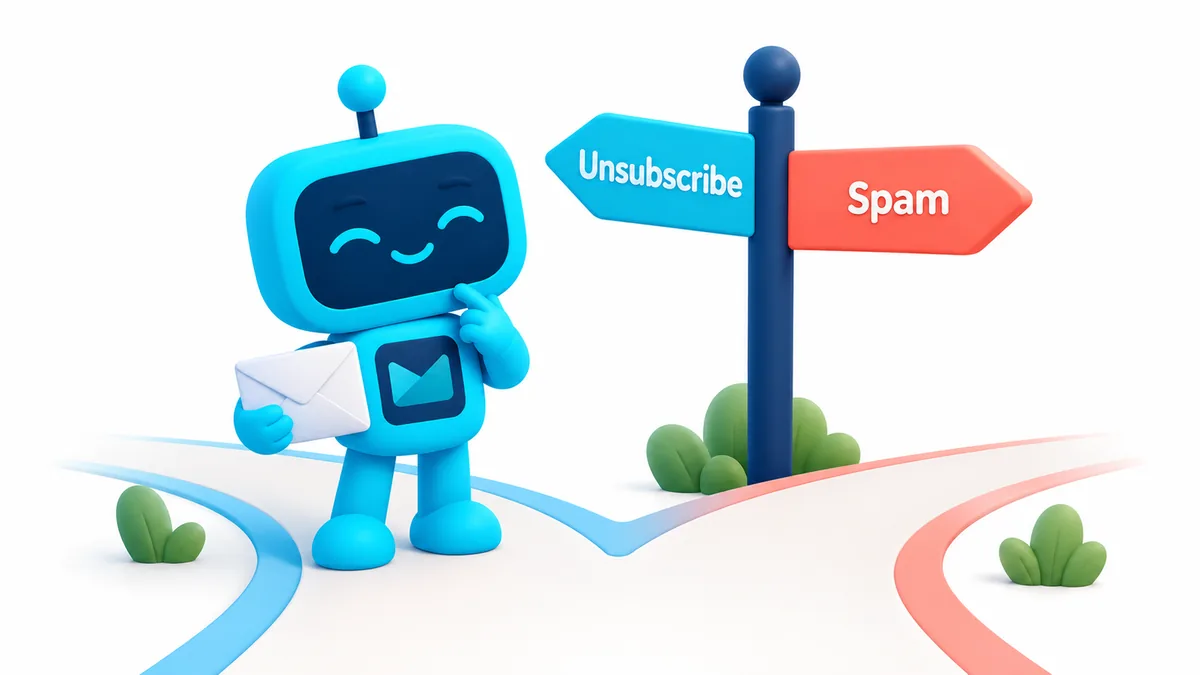
There are two kinds of advice floating around, and they contradict each other. One says always unsubscribe, it is the law, they have to stop. The other says never tap unsubscribe, it tells scammers your address is real.
Quick version: If a real company you have done business with is emailing you, unsubscribe is safe and it works. If you do not recognize the sender, do not unsubscribe. Mark it as spam instead. And if you unsubscribed but the emails keep coming, it is usually because the company has several separate lists and you only left one.
Both are right. They are just talking about different emails. The whole trick is knowing which kind you are looking at.
The two-second sort
Before you do anything with an unwanted email, ask one question: have I ever done business with this company?
Bought something from them. Signed up on their website. Used their pharmacy. Stayed at their hotel. Donated to them.
- Yes: Unsubscribe. It is safe and it will work.
- No, or I’m not sure: Do not unsubscribe. Mark it as spam.
That is the whole rule. Everything below explains why.
When unsubscribe is safe (and required to work)
Real companies in the US are bound by a law called CAN-SPAM. Under it, according to the FTC’s compliance guide, a business must honor your unsubscribe request within 10 business days, and the unsubscribe link has to keep working for at least 30 days after the email was sent.
So when Kohl’s or your pharmacy or a charity you gave to once is filling your inbox, tap unsubscribe. They are legally required to stop, and the big ones have automated systems that stop within minutes.
On Android, the easiest way: Gmail often shows an “Unsubscribe” link right at the top of the email, next to the sender’s name. Tap it and confirm. That uses the company’s own unsubscribe system, so it is safe. Yahoo and Outlook have the same feature.
When unsubscribe is dangerous
Scammers and spammers do not follow CAN-SPAM. They are not a business. They are a list of addresses being blasted from somewhere overseas.
For them, the “unsubscribe” link is a test. When you tap it, you have just confirmed that this address belongs to a real person who opens email and taps links. Your address gets moved to the more valuable list. More email comes, not less. In the worst case, the unsubscribe link itself goes to a page that tries to collect your information.
So for any sender you do not recognize: do not tap anything. Open the email, tap the three dots in the top right, tap Report spam (Gmail) or Mark as spam (Yahoo, Outlook). The email disappears and your app learns to catch the next one.
“I unsubscribed but I keep getting their emails”
This is the one that makes people feel crazy, and it has a simple explanation.
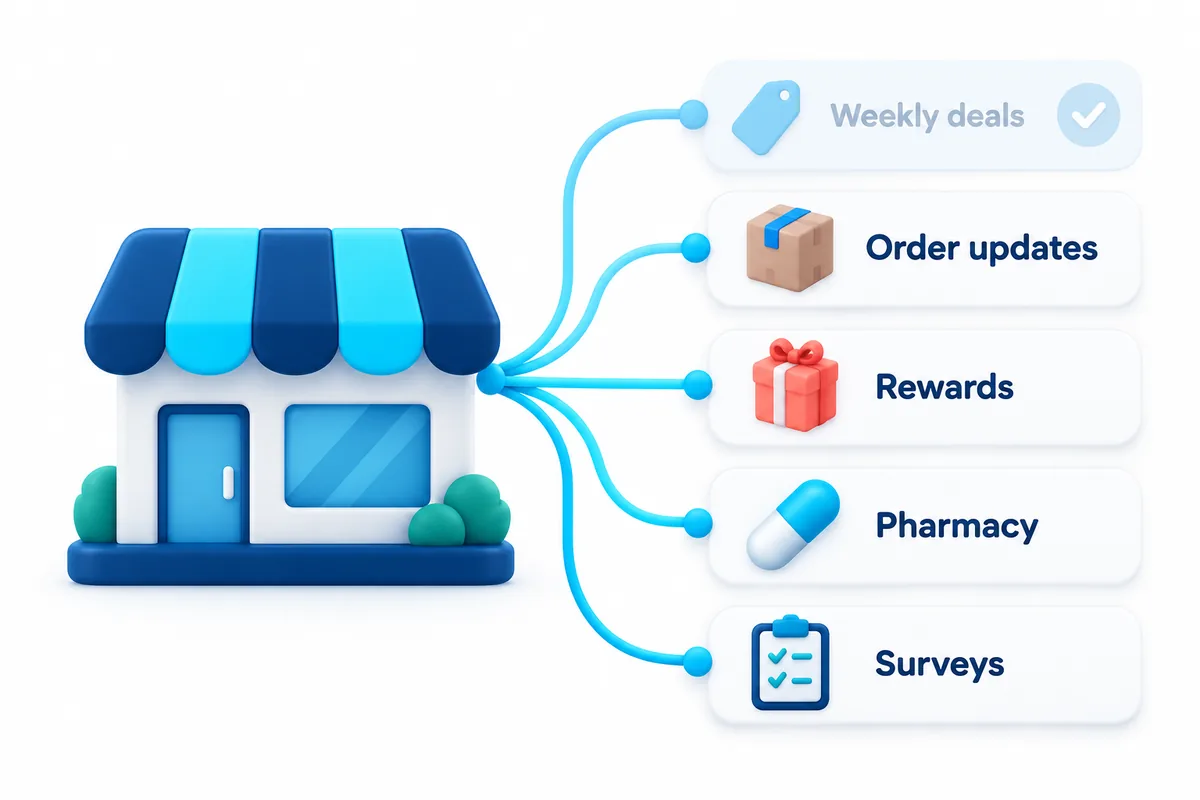
One company, many lists. A big retailer or pharmacy does not have one email list. It has ten. Weekly deals. Order updates. Rewards program. Pharmacy reminders. Clearance alerts. Surveys. Each one is a separate subscription, and when you unsubscribe from the bottom of one email, you have only left that one list.
So the deals stop and the rewards emails keep coming, and it looks like they ignored you. They did not. You are still on the other nine.
The fix: when you tap unsubscribe and land on the company’s page, look for a link that says “Unsubscribe from all” or “Manage preferences.” Tap that and turn everything off. Most large companies have it. If they do not, unsubscribe from each email type as it arrives; it takes about a week to catch them all.
Two other reasons it happens:
- The 10-day window. The law gives them ten business days. Emails that were already scheduled may still arrive. Wait two weeks before deciding it did not work.
- You have more than one email address. You unsubscribed the Gmail address, but the company also has your old Yahoo address from a purchase years ago. Check which inbox the new emails are landing in.
When to skip all of this and just filter
If a real company will not stop, or you do not want to spend a week unsubscribing from twelve lists, there is a faster option. In Gmail, open one of their emails, tap the three dots, tap Filter messages like this, and choose Delete it or Skip the inbox. Every future email from that address goes straight to the trash without you seeing it. Our Gmail cleanup guide covers this step by step.
How Easy Mail fits in
This is the problem Easy Mail’s one-tap cleanup was built for. It finds the promotional and subscription email across Gmail, Yahoo, and Outlook and clears it in one pass, so you are not deciding email by email. Then the unsubscribe question only comes up for the handful of senders that actually matter.
Get Easy Mail Email Launcher on Google Play.
Frequently asked questions
Is it safe to tap the “Unsubscribe” link Gmail shows at the top of the email?
Yes, when the sender is a real company. Gmail only shows that link when the email includes a proper unsubscribe system, and it sends the request without opening a web page. For unknown senders, still use Report spam instead.
Does marking something as spam unsubscribe me?
No, but it does something better. It hides that sender from you permanently and teaches your email app what junk looks like. For unknown senders, spam is the right button.
I get emails from a company I never signed up with. How did they get my address?
Usually from a data breach at another company, or from a list that was sold. You cannot get off the list. You can stop the emails from reaching you with Report spam or a filter.