
Widget picks
Best Android Widgets That Save Opens Without Cluttering Your Grid
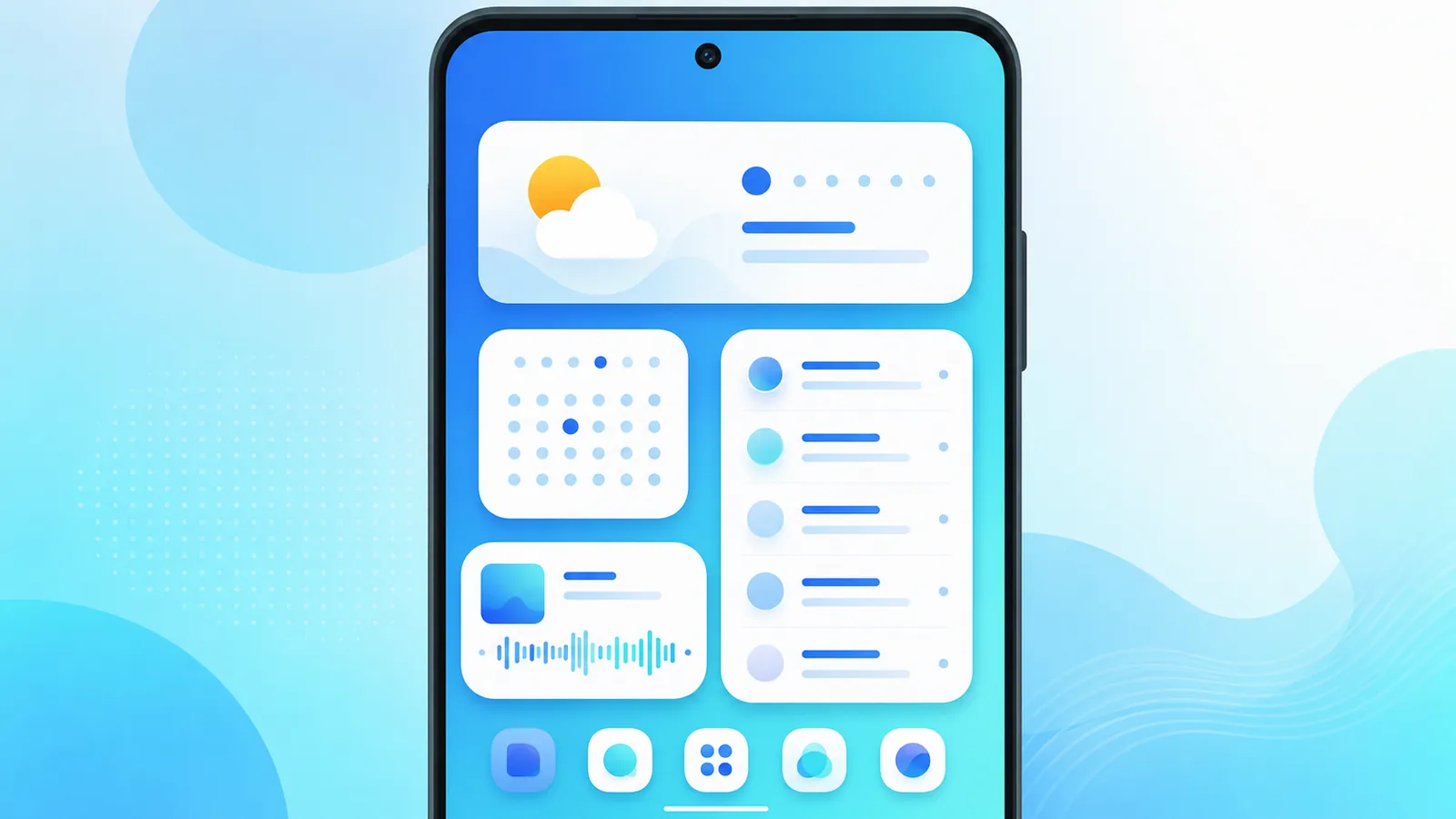
The best android widgets show information you would otherwise tap an app to see. The worst widgets consume space and stale data. The key is to make sure you chose one that fits your daily use.
Widgets differ from icons because they provide helpful information at a glance. This roundup covers the best android widgets by category and explains how Easy Mail Email Launcher widgets make your day easier.
Weather Widgets
Weather widgets are among the most popular on Google Play, and it’s easy to see why: a glance at your home screen tells you whether to grab a jacket or sunscreen. No clicking into an app required. Apps like Accuweather and The Weather Channel have built their reputation on accuracy, while others compete on design.
Regardless of which app you choose, we recommend starting simple. A small rectangle widget can give you a fair amount of information. But if you find yourself clicking the widget to look at the hourly view multiple times a day, then you may want to test expanding the widget to show an hourly forecast.
The steps for adding and resizing widgets are the same on any launcher. Google’s Android Help Center has a full walkthrough if you’d like to read more.Calendar Widgets
Calendar widgets show your next few events at a glance, which is worth the home screen space if your day runs on back-to-back meetings. If the same event shows up twice, open the widget’s settings and deselect one of your synced calendars. Duplicates usually mean a meeting is landing on both your personal and work accounts.
News Without Widget Bloat
Traditional news widgets refresh slowly and eat up several home screen cells. Easy Mail’s pull-down panel delivers curated trending headlines from reliable sources, and you can swipe it away when you’re done. Read more on Trending News before you install another widget.
Email Widgets vs Launcher Panels
Mail widgets preview your inbox, but few handle multi-account triage well. Easy Mail’s swipe-right unified inbox replaces several mail widgets with a single gesture. See how it compares in best Android email app for managing all your inboxes.
Widget Placement Tips

How do I know where to put my widgets and icons?
The best advice we can give is this: put things you tap where your thumb reaches, and things you only look at where your thumb doesn’t. Simple. The top third of a home screen is nearly free real estate for glance-only content, and the bottom third is expensive space that should go to whatever you actually touch dozens of times a day.
Fitness and Step Widgets
Health widgets motivate when you glance at them daily. If you ignore step counts for weeks, remove the widget. Dead widgets are worse than no widgets because they consume space without changing behavior.
Replace News Widgets With Trending News
A news widget costs multiple slots on your home screen. Easy Mail Email Home provides you quick access without taking up valuable slots. A simple swipe down from the home screen provides you easy access to breaking news. It’s better tradeoff for anyone who checks the news more than twice a day.
Clock Widget Alternatives
Plenty of home screens show the time twice: once in a widget, once in the status bar. Try removing the clock widget for a week. If you never miss it, reclaim those cells for something the status bar can’t show you.
Android Widget FAQ
How do I add a widget on Android?
Long press home screen, tap Widgets, choose app and size, drag to grid.
Do widgets drain battery?
Active refresh widgets use more power than static icons. Limit live widgets.
Can Easy Mail replace news widgets?
Yes. Use Trending News pull down instead of a dedicated widget.
What is the best android widgets count?
One to three useful widgets plus icons is plenty for most users.
Use Widgets Sparingly, Swipes for Mail and News
The best android widgets answer one glance question each. Easy Mail Email Launcher handles mail and headlines through launcher panels so your grid stays clean.
Install Easy Mail Email Launcher from Google Play for news and inbox without extra widgets.
