
Default app settings
Default Launcher Android: The Setting That Picks Your Home App
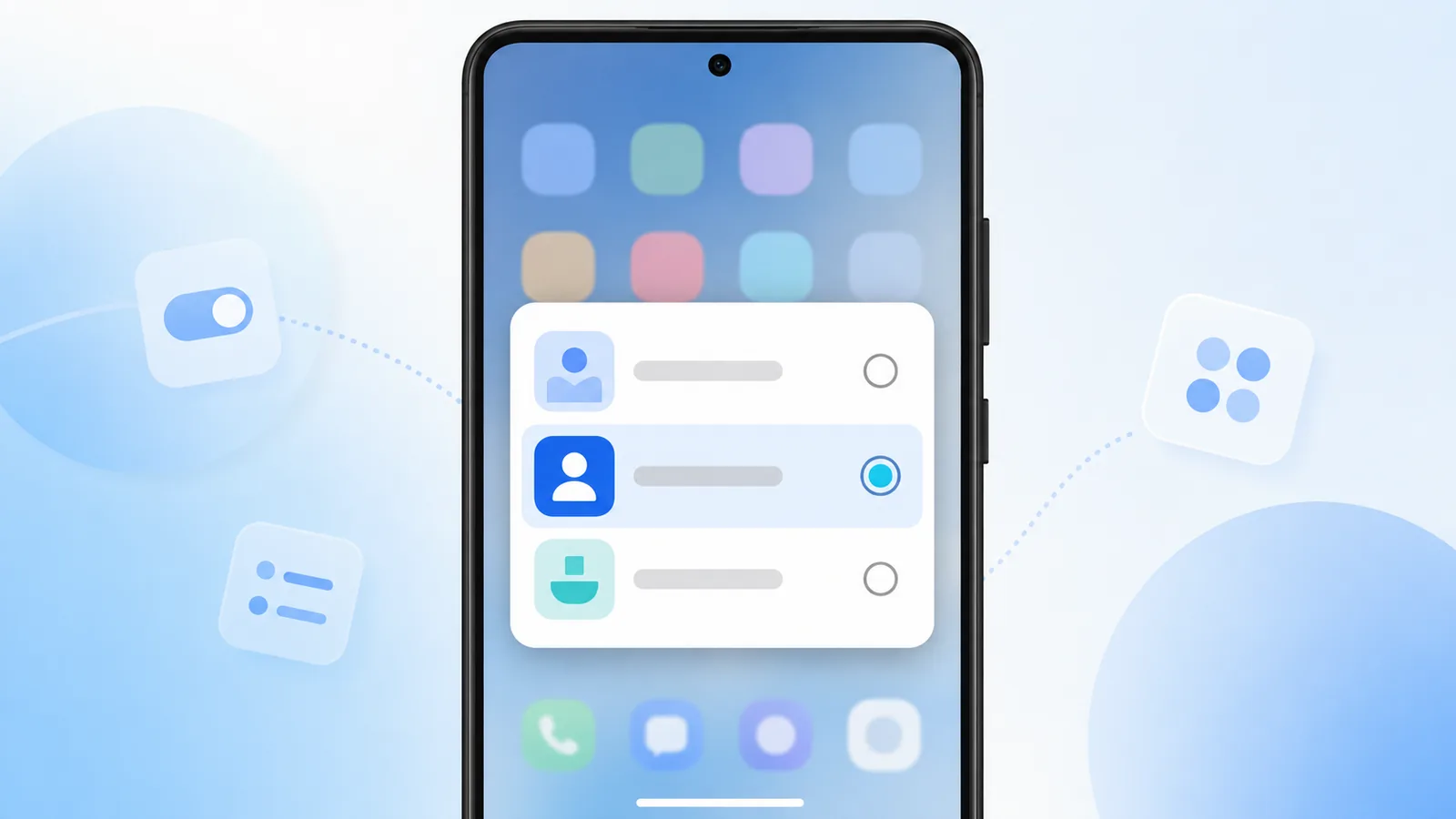
Only one app can own your home button at a time, and the default launcher android setting is what decides which. This page explains what that setting controls, where it lives, and how to undo a choice you made by accident.
This is a reference for the setting itself — the chooser dialog, the Settings path, what happens to your layout, and how to recover when the wrong app ends up as your home screen. If you are looking for the full walkthrough of installing and trying a new home app, read how to change launchers on android instead. If the concept is new entirely, start with What Is a Launcher.
Make Easy Mail your default launcher and open a unified inbox from Google Play.
What Default Launcher Means
Google documents the setting itself in Set or clear default apps, which is also where you go to undo a choice you made by accident.
The default launcher android setting tells the OS which app draws the home screen when you press home or swipe out of apps. Without a default, Android keeps asking until you pick Always or Just once.
Always is the right choice when you trust the launcher. Just once helps you test without committing.
First Time Prompt After Install
Android raises the chooser the first time you press home after any new launcher is installed. The dialog lists every home app on the device and offers two answers: Always, which writes the default, and Just once, which does not. Nothing is permanent either way.
Miss the prompt, or dismiss it by accident? It does not reappear on its own. Go to Settings, then Apps, then Default apps, then Home app, and choose from the list there. That Settings path is the authoritative place this setting lives on every Android build — the dialog is only a shortcut to it.
What Happens to Your Layout When the Default Changes
Your icons and folders belong to the launcher, not to Android. Android Help’s page on changing what is on your Home screen explains what carries over and what does not.
Each launcher stores its own layout, so icons and folders will look different after a change and your old arrangement is not lost — it is simply held by the other app, waiting. Your installed apps are never touched by this setting.
For the full switching process — install, trial, configure, revert — see how to change launchers on android. To pick a home app in the first place, see best Android launcher apps in 2026.
What Happens to Email When Easy Mail Is Default
Easy Mail becomes the front door to your phone. Swipe right to reach a unified inbox covering Gmail, Yahoo, Outlook, and other providers. Push notifications align with launcher level delivery so urgent mail is easier to spot.
You can still open dedicated provider apps from the drawer when needed. Default status does not uninstall them.
Work Profile and Secondary Users
Managed devices can restrict launcher changes entirely. Android Enterprise Help covers the related behavior in control work profile notifications.
Work profiles may use a separate launcher policy on managed devices. Consumer phones rarely block third party home apps, but corporate IT can. Check with your admin before setting Easy Mail as default on a work phone.
Fixing Wrong Default Choices

Accidentally picked the wrong app with Always? Open Default apps in Settings and change Home app. No factory reset required. If dialogs stopped appearing, clear defaults for the current home app in its App info screen, then press home again.
Confusing system text on prompts? Our what does this mean on my phone guide explains common Android dialogs.
Family Phones and Shared Devices
On shared tablets, pick a neutral stock launcher if adults and kids prefer different layouts. On personal phones, default launcher android settings should reflect your own mail and app habits. Easy Mail fits personal devices where you check work and personal inboxes together.
Icons After Default Change
Expect to rearrange icons once Easy Mail becomes default. Budget ten minutes to rebuild folders. The time pays back the first week when swipe right mail replaces three separate email icons on your grid.
Default Launcher FAQ
Where is default launcher android setting?
Settings, Apps, Default apps, Home app on most phones.
Can two launchers be default at once?
No. Android allows one home app at a time.
How do I clear a default launcher without picking a new one?
Open Settings, then Apps, find the launcher currently set as default, and choose Clear defaults. Android falls back to asking you each time you press home until you set a new one.
Is Easy Mail safe to set as default?
Easy Mail has passed 1M+ downloads on Google Play. Review its permissions like you would for any launcher before you connect mail.
Set the Default That Matches Your Routine
The default launcher android setting is a single toggle with daily consequences, and it is reversible in about ten seconds once you know where it lives. Easy Mail Email Launcher earns that slot when mail belongs on your home swipe alongside a unified inbox.
Install Easy Mail Email Launcher and set it as your default home app on Google Play.
