
Notification control
Notification Options Android: Take Back Your Attention
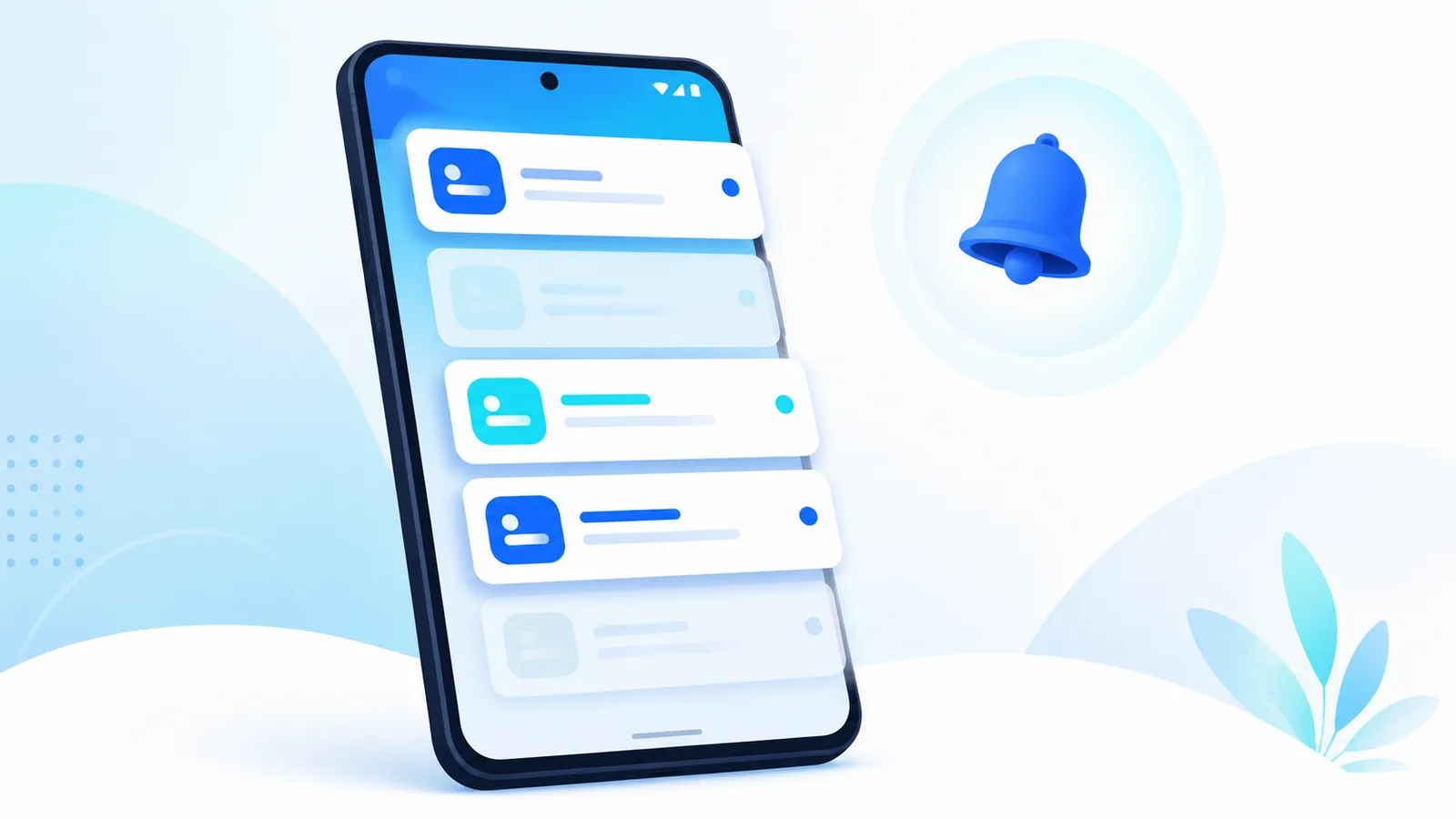
Notification options android settings decide whether your phone helps you or interrupts you every few minutes. Mail alerts deserve special attention because they mix urgent and ignorable messages.
Learn notification options android paths in Settings, plus how Easy Mail Email Launcher delivers unified inbox alerts without three separate mail apps pinging you. Lock screen context: android lock screen.
Tune mail notifications with Easy Mail Email Launcher on Google Play.
Global Notification Settings
Android Help’s Control notifications on Android is the canonical reference for these menus, including per app and lock screen behavior.
Open Settings, then Notifications. Here you control Do Not Disturb schedules, notification history, and lock screen behavior. Start global, then drill into per app controls.
App Notification Channels
Modern Android groups alerts into channels. Mail apps may separate promotions, account sync, and new message alerts. Disable channels you never act on. Keep one channel active for must read senders if the app supports it.
Mail Notifications From One App
Three mail apps mean three notification streams. Easy Mail consolidates accounts so you manage options in one place. Push delivery at launcher level helps time sensitive mail surface faster when Easy Mail is default.
Bubbles, Heads Up, and Sounds
Heads up notifications interrupt full screen apps. Use them sparingly for mail if you batch inbox checks. Silent notifications log to shade without buzz. Match style to your workflow from effective strategies for email management success.
Work Profile Notifications
Managed profiles have separate rules. See Android Enterprise Help on controlling work profile notifications.
Managed work profiles may enforce certain alerts. Personal phones still allow fine tuning for non work accounts inside Easy Mail.
Testing Your Setup
After changes, send yourself a test message from each account. Confirm lock screen previews match privacy comfort. Adjust until only real blockers buzz instantly.
Productivity angle: the best Android email apps for productivity and android email settings.
Notification History and Snoozing
Alert weight is a design decision apps make on your behalf. Google’s notification design guidance explains the categories developers choose between, which helps you judge which apps are abusing them.
Android notification history helps when you dismiss an alert too fast. Review history under Settings if you missed a sender. Some mail apps support snooze inside the shade; Easy Mail focuses on timely delivery at launcher level instead.
Focus Mode and Priority Senders
Do Not Disturb with priority exceptions lets family or your manager break through while promos stay silent. Configure exceptions carefully so notification options android settings still protect deep work blocks.
Reduce Channels From Old Mail Apps
After switching to Easy Mail, disable notifications on Gmail, Yahoo, and Outlook apps you no longer use daily. Duplicate channels are the top cause of double buzzes for the same message.
Scheduled Summary Notifications
Some users prefer one morning digest instead of constant pings. If your workflow allows batching, silence non urgent channels and read unified inbox on a schedule. Notification options android flexibility supports both realtime and batched styles.
Vibration and LED Cues
Disable vibration for low priority mail if buzzes distract you in meetings. Keep vibration for VIP senders only when your phone supports per contact rules alongside standard notification options android channels.
Notification Dot Habits
App icon dots summarize unread counts on the home screen. Disable dots for apps you check on schedule anyway. Notification options android tuning includes dots, not just sounds, so visual noise drops too.
Priority Conversations
Pin critical chat and mail threads at the provider level when supported, then tune notification options android wide settings around those exceptions so VIP messages still break through Do Not Disturb responsibly.
Weekly Notification Audit
Each Friday, scroll notification options android history for apps that buzzed without value. Disable one channel you ignored all week. Small trims keep the list manageable.
Notification Options FAQ
Where are notification options android settings?
Settings, Notifications, then select the app for channels.
Can I silence email at night only?
Use Do Not Disturb schedules with exceptions for starred contacts if supported.
Does Easy Mail respect Android channels?
Yes. Configure alerts inside Easy Mail and system settings.
How do I stop duplicate mail alerts?
Use one client like Easy Mail unified inbox instead of multiple mail apps.
Notifications Should Match Your Priorities
Smart notification options android choices reduce noise while keeping real mail visible. Easy Mail Email Launcher centralizes alerts from every account in one unified inbox app.
Download Easy Mail Email Launcher and simplify mail notifications on Google Play.
