
Email basics
Reply, Reply All, or Forward? What Each Button Actually Does
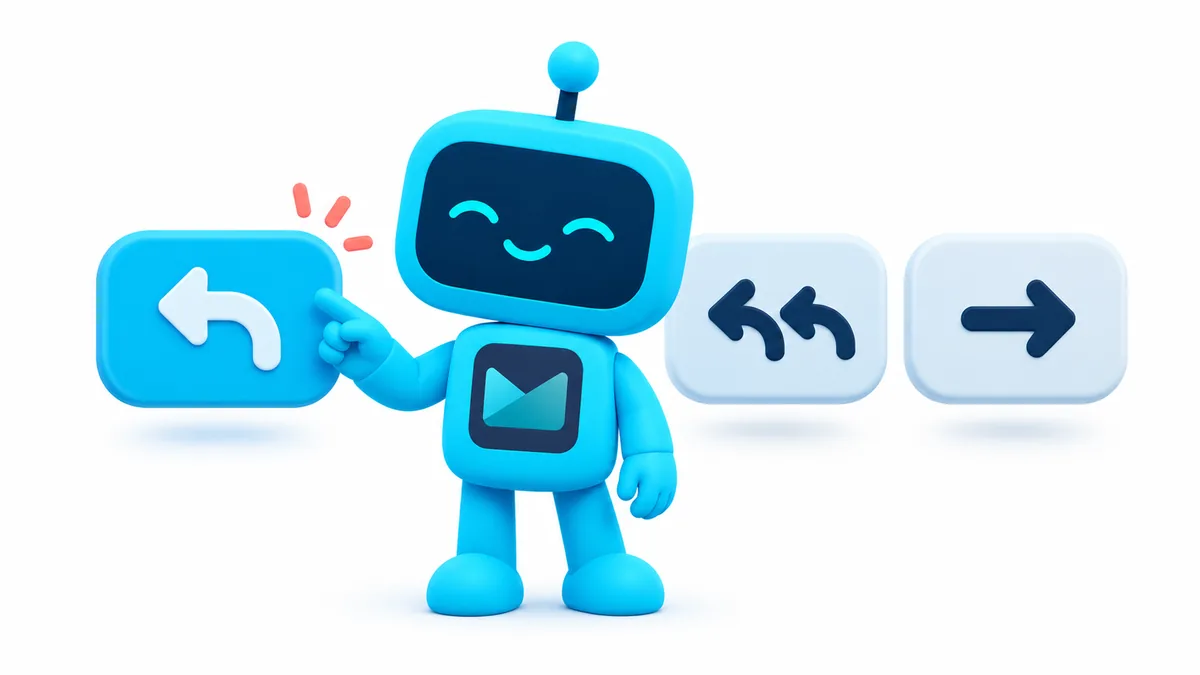
Nobody explains these buttons. They are just there, at the bottom of every email, and you are expected to know. So people guess, and the guesses cause two very common problems: a private note that goes to the whole family, and a message that never reaches the one person it was for.
Quick version: Reply sends your answer to the one person who wrote to you. Reply All sends it to that person and everyone else who got the original. Forward sends a copy of the email to someone new who was not on it. When in doubt, use Reply.
This takes about three minutes to learn for good.
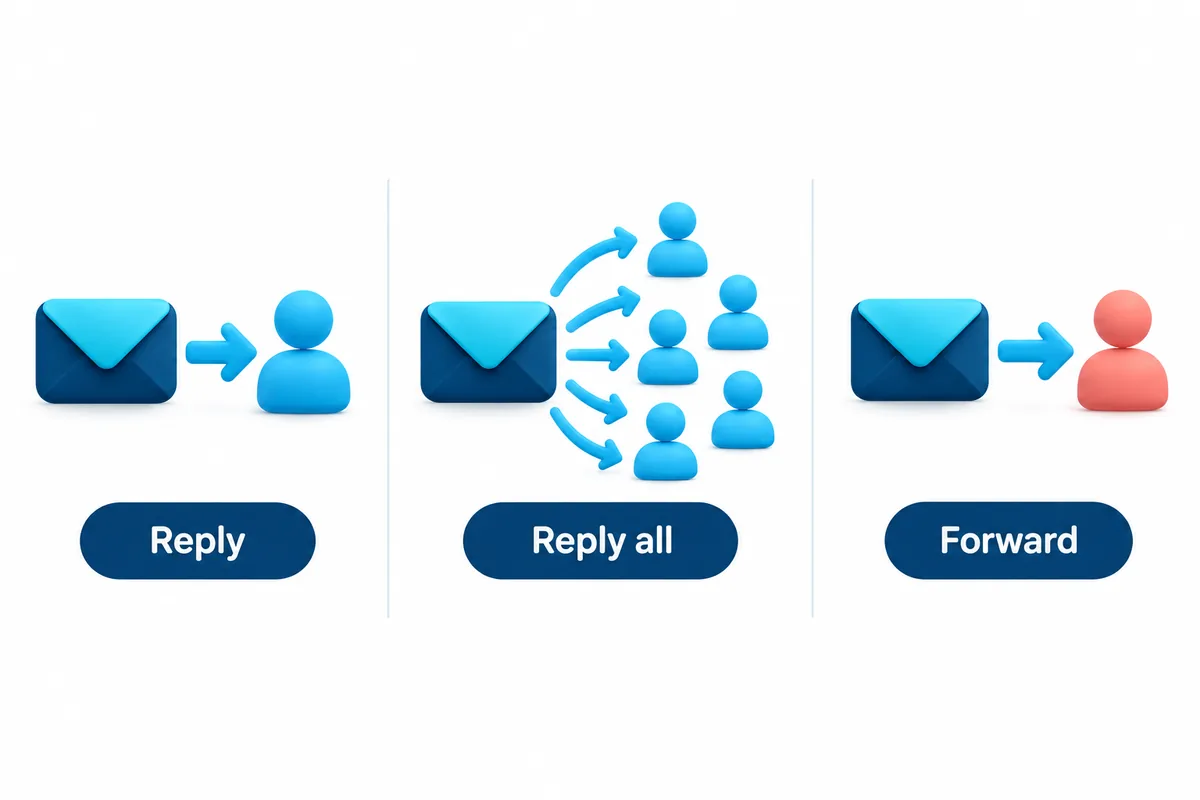
Reply
Who gets it: Only the person who sent you the email.
When to use it: Almost always. Someone wrote to you, you write back to them. If the original email had other people on it, they will not see your reply, which is usually exactly what you want.
On your phone: the curved arrow pointing left, usually at the bottom of the email or under the sender’s name.
Reply All
Who gets it: The person who sent the email, plus every other person who received it. If it went to eight people, your reply goes to all eight.
When to use it: When the whole group needs your answer. A family planning a reunion, a committee deciding on a date, a group of friends picking a restaurant. If your answer changes what the group does next, Reply All.
When not to use it: When your answer is only for the sender. “Thanks!” does not need to go to eight people. Neither does “I can’t make it, my knee is acting up.” That is the classic mistake, and everyone has made it once.
On your phone: two curved arrows pointing left, or a “Reply all” option under the three dots.
Forward
Who gets it: Someone new. Someone who was not on the original email at all.
When to use it: When you want to pass an email along. Your daughter needs the appointment details. Your neighbor wants the recipe. Your son should see the suspicious email before you delete it. Forward sends a full copy, including any attachments, to whoever you choose.
What to know: Forward does not tell the original sender you passed it on. And it sends everything in the email, including the earlier messages underneath it. Scroll down before you forward and make sure there is nothing in the chain the new person should not see.
On your phone: a straight arrow pointing right, or “Forward” under the three dots.
The one that catches everyone
Here is the situation. Your cousin sends an email to the whole family about Thanksgiving. Fourteen people on it. You want to tell your cousin, privately, that you are bringing a friend.
Tap Reply, not Reply All. Your message goes to your cousin only.
If you tap Reply All, fourteen people now know about your friend, and three of them will reply to ask who it is. Reply All to all of those, and now the thread is 40 messages long and your cousin is annoyed.
The phone does not help here. On many Android email apps, Reply All is the default button when an email has multiple recipients, and Reply is hidden under a menu. That is a design choice that assumes you are at work. You are not. Look before you tap.
The two smaller ones: CC and BCC
You will see these when you write a new email. They are related, so they belong here.
- CC (carbon copy): everyone on the email can see who else got it. Use it when you want people to know who is in the loop.
- BCC (blind carbon copy): the people in BCC get the email, but nobody else can see they got it. Use it when emailing a large group who do not know each other, so you are not sharing everyone’s address with everyone else.
If you send one email to twenty people and put them all in the “To” line, every one of them can now see and Reply All to the other nineteen. BCC prevents that.
How Easy Mail fits in
Easy Mail’s AI reply feature drafts a response for you from a short prompt, and it uses the same Reply, Reply All, and Forward choices as any other app. Knowing which one you want before you start means the draft goes to the right people. The unified inbox also means the buttons are in the same place for Gmail, Yahoo, and Outlook, instead of three layouts to remember.
Get Easy Mail Email Launcher on Google Play.
Frequently asked questions
I hit Reply All by mistake. Can I take it back?
Gmail gives you a few seconds after sending: a small “Undo” bar appears at the bottom of the screen. Tap it fast. After that, the email is delivered and cannot be recalled. The fix is a short, honest follow-up to the sender only.
When I forward an email, does the person who sent it to me find out?
No. Forwarding is invisible to the original sender.
What is the difference between Forward and Reply if I add a new person?
Reply goes to the sender (and you can add others). Forward goes only to people you add, and does not include the sender unless you type their address. Forward is cleaner when the sender does not need to be involved.
