
Android how-to
How to Open App Drawer on Android Phones
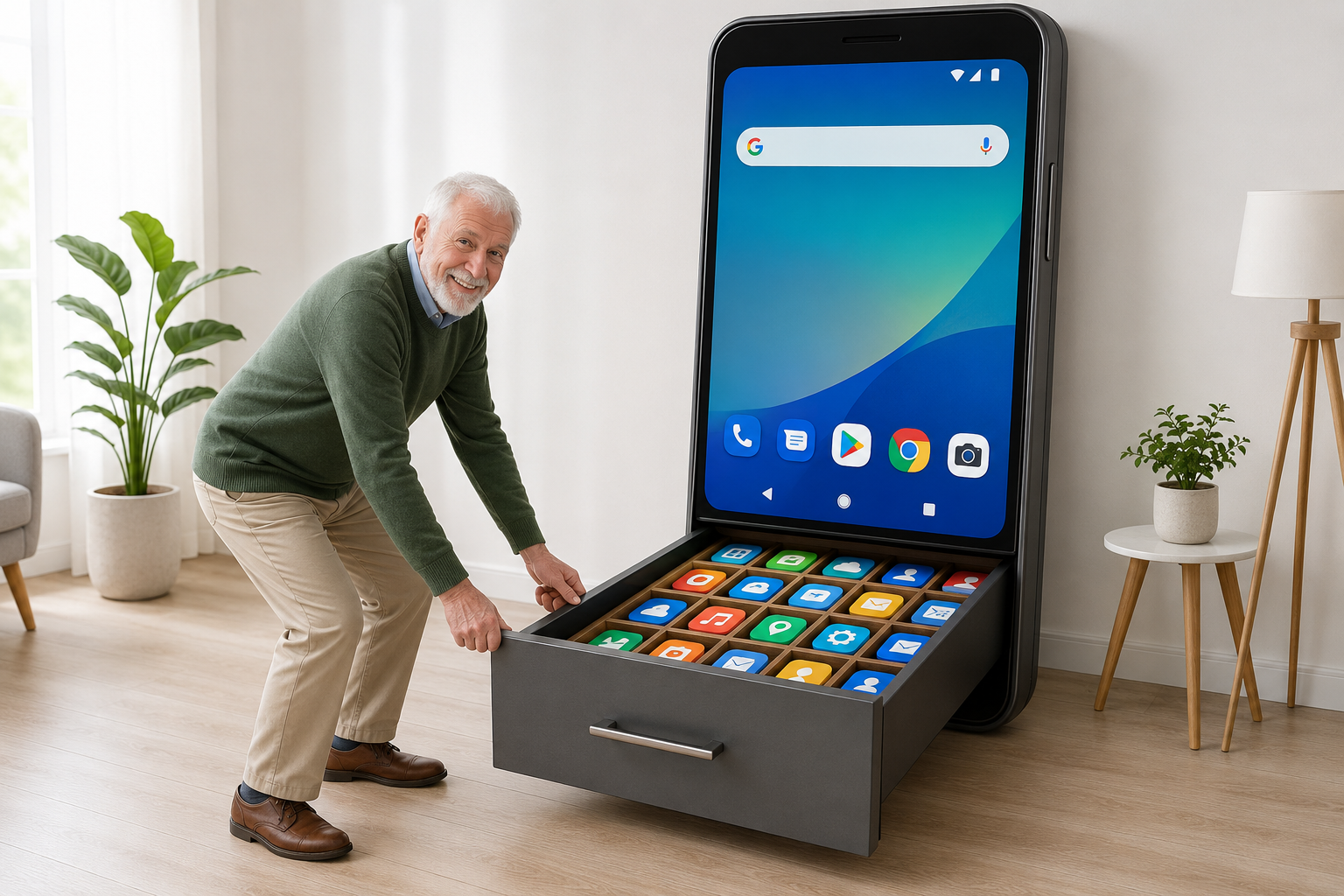
If you need to find an app that is not on your home screen, you need to know how to open app drawer views on your phone. The gesture takes a second to learn and saves minutes every day.
Searching how to open app drawer usually means an app vanished from the grid or you switched phones and the gesture changed. Below are the common methods by device type, plus how Easy Mail Email Launcher reduces drawer trips for email. See What Is a Launcher for background on home screen apps.
Open mail without opening the drawer. Try Easy Mail Email Launcher on Google Play.
Swipe Up From the Home Screen
On Google Pixel and many phones running Pixel style launchers, swipe up from the bottom edge while on the home screen. The app drawer rises from the bottom with a searchable list of installed apps.
If swipe up opens Google Assistant instead, check Settings, then System navigation, and confirm you use gesture navigation with drawer access enabled. Some OEMs let you pick button navigation with a dedicated drawer key.
Samsung One UI Drawer Access
Samsung phones often show a persistent row of icons above the navigation bar. The drawer may open with a swipe up on the home screen or by tapping the app tray button, depending on your One UI version. Open Settings, then Home screen, to see whether the button is visible.
Inside the drawer, use the search field at the top before scrolling alphabetically. Samsung also supports sorting and hiding apps in some regions through launcher settings.
Three Button Navigation Legacy
Older layouts use on screen buttons. The center circle or square icon may open the drawer when you are already on the home screen. Tap home once to ensure you are not inside another app, then tap the center button again.
If your phone uses a physical home button, the same double press pattern often applies. When in doubt, search your model name plus app drawer in support docs.
Third Party Launchers
Nova, Microsoft Launcher, and Easy Mail Email Launcher each define their own drawer gesture. After installing a new launcher, Android asks you to set it as default. Open that launcher settings to customize swipe direction and animation.
Easy Mail prioritizes swipe right to a unified inbox rather than forcing you through a drawer for Gmail, Yahoo, or Outlook. Read app drawer in android for the difference between drawer and home screen.
Troubleshooting When the Drawer Will Not Open
- Restart the launcher or reboot the phone if gestures stop responding
- Confirm you are on the home screen, not inside Chrome or another full screen app
- Check for software updates that reset navigation preferences
- Disable one hand mode or accessibility overlays that steal edge swipes
Still stuck? Visit best Android launcher apps in 2026 to compare launchers with clearer drawer behavior.
Reduce Drawer Trips for Daily Apps
Every drawer open is a small tax on your attention. Move high frequency apps to the home screen. For email, use Easy Mail so your inbox shares the same swipe you already use for the launcher panel.
Combine with android launcher basics when you are ready to change defaults entirely.
How to Open App Drawer: Quick Answers
What is the fastest way to open the app drawer?
Swipe up from the bottom of the home screen on most modern Android phones.
Why does swipe up open Assistant instead?
Navigation settings may map swipe up to Assistant. Change it under System navigation in Settings.
Can I open the drawer from lock screen?
Usually no. Unlock first, then use the home screen gesture.
Does Easy Mail have an app drawer?
Yes. Easy Mail is a full launcher with drawer access for all apps plus a dedicated mail panel.
Learn the Gesture Once, Use It for Years
Knowing how to open app drawer saves time when apps are not pinned to your grid. Easy Mail Email Launcher keeps email on your launcher panel with a unified inbox so your most opened tool skips the drawer entirely.
Install Easy Mail Email Launcher and open mail from your home screen, not the app list.
