
Shortcut how-to
Adding Shortcuts to Homescreen on Android
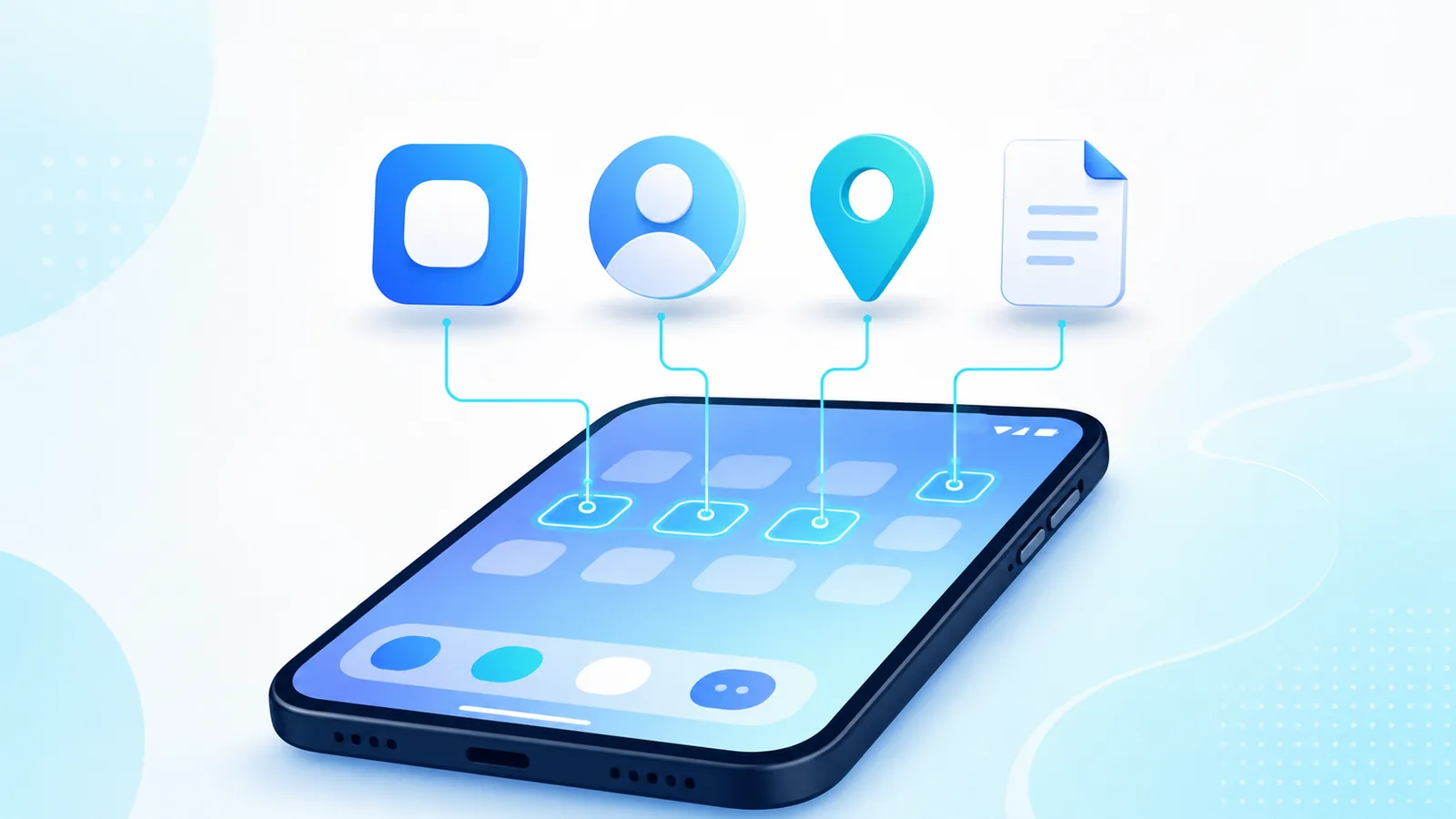
Adding shortcuts to homescreen goes beyond app icons. Android supports deep links to contacts, driving directions, documents, and web pages. Used well, shortcuts cut repetitive navigation.
Learn adding shortcuts to homescreen types Android allows, and when a launcher like Easy Mail Email Launcher replaces several mail shortcuts with one unified inbox swipe. Background: What Is a Launcher.
Shortcut your mail routine with Easy Mail Email Launcher on Google Play.
App Shortcuts From the Drawer
Android Help covers the underlying gesture in Add apps, shortcuts & widgets to your Home screens, including the long press menu that exposes an app’s deep link shortcuts.
Long press an app in the drawer, then drag to the home screen. Some apps expose secondary shortcuts when you long press their home icon, such as New message or Scan document.
Chrome Web Shortcuts
Open a site in Chrome, tap the menu, then Add to Home screen. An icon appears that opens the site in a browser window. Useful for portals your company uses daily.
Contact and Direction Shortcuts
In Contacts or Maps, open a person or place, tap the menu, and add to home screen if available. Great for family calls or commute routes.
Launcher Level Mail Shortcut
Instead of adding shortcuts for each mailbox, set Easy Mail as default. Swipe right from home to triage all accounts. Push notifications arrive at launcher level. Read add to home screen for basic icon adds.
Widgets vs Shortcuts
A shortcut launches something. A widget renders live content. Google’s widget design documentation spells out that difference and the refresh behavior behind it.
Widgets show live data. Shortcuts launch actions. Pick widgets only when glanceable info saves opens. Otherwise prefer lightweight icons. Widget ideas: best android widgets.
Keep Shortcuts Maintainable
Delete shortcuts when projects end. A home screen full of stale links feels as cluttered as too many apps. Audit quarterly alongside android organize habits.
Launcher picks: best Android launcher apps in 2026.
Drive and Docs Shortcuts
Google Drive lets you pin specific files to the home screen from the details menu. Useful for boarding passes or forms you open daily during a project. Remove them when the project ends.
Split Shortcuts Between Pages
When adding shortcuts to homescreen layouts, spread rarely combined tools across pages. Keep page one for communication and navigation. Page two can hold finance and travel shortcuts so page one stays calm.
Security Reminder for Web Shortcuts
Treat any shortcut you did not create yourself as untrusted. Android Help’s guide to protecting your personal data against theft covers the device level settings worth turning on first.
Only add to home screen from sites you trust. Phishing pages should never become shortcuts. Bookmark banking sites from typed URLs, not email links, before you pin them.
Shortcut Size and Labels
After adding shortcuts to homescreen entries, rename cryptic defaults into plain language you will remember in six months. Clear names beat clever abbreviations when you share the phone with family members who did not create the shortcuts.
Combine With Launcher Mail
When adding shortcuts to homescreen rows, leave mail to Easy Mail swipe instead of pinning three envelope icons. Shortcuts work best for one off tools like parking apps or event tickets, not for entire inboxes you check hourly.
Audit Shortcuts Monthly
Open each home page and remove shortcuts you have not tapped in thirty days. Adding shortcuts to homescreen is easy; pruning them is what keeps the layout fast months later.
Share Shortcuts Carefully
Some Android versions let you share links directly to home screen from apps. Verify the target URL before confirming. Trusted share flows speed up adding shortcuts to homescreen for internal company tools you open daily.
Folder Shortcuts
Drop related shortcuts into one folder named for the project. Adding shortcuts to homescreen stays tidy when each folder holds fewer than eight entries you actually open this month.
Homescreen Shortcut FAQ
Can shortcuts open specific app screens?
Yes if the app exposes them via long press on its icon.
Do web shortcuts work offline?
Only if the site supports offline mode. Most require network access.
Is Easy Mail a shortcut or a launcher?
Easy Mail is a launcher that includes a dedicated mail panel.
How many shortcuts is too many?
If you scroll home pages to find daily tools, trim shortcuts down.
Shortcut the Tasks You Repeat
Smart adding shortcuts to homescreen reduces taps for apps, sites, and people. Easy Mail Email Launcher consolidates mail into one unified inbox swipe so you need fewer mail icons altogether.
Get Easy Mail Email Launcher on Google Play and shortcut every inbox from home.
