
Lock screen guide
Android Lock Screen: Control What You See Before You Unlock
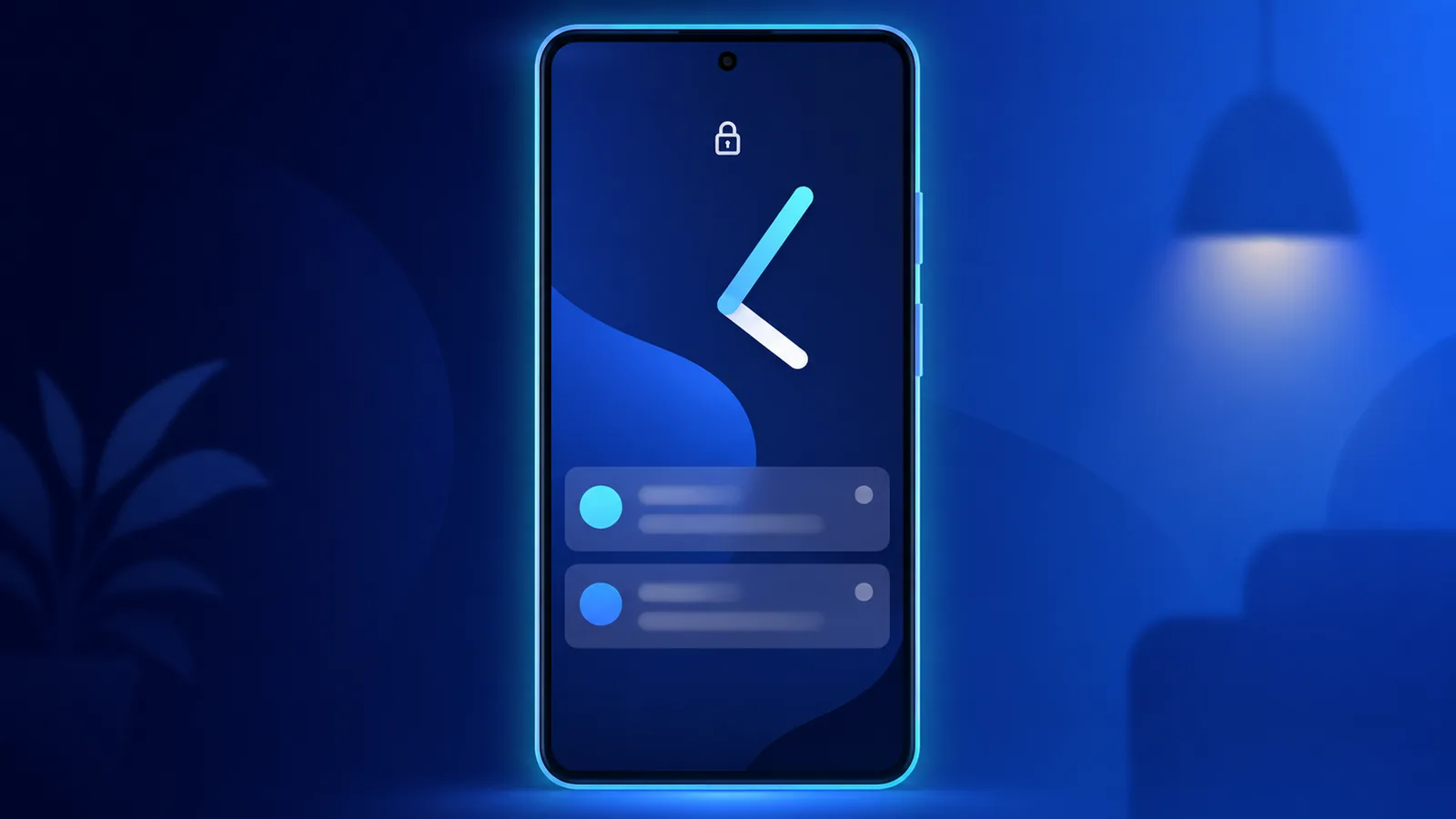
Your android lock screen is the first filter for calls, messages, and mail. Configure it well and you’ll have what’s most important to you without even opening your phone.
This guide covers android lock screen settings for notifications, privacy, and quick interactions. We explain how Easy Mail Email Launcher push alerts fit alongside other apps through its unified inbox. Notification basics tie to notification options android.
Get reliable mail alerts on lock screen with Easy Mail Email Launcher on Google Play.
What Does the Lock Screen Show
Your phone can display notification icons, full message previews, or nothing if that’s what you prefer. Balancing convivence without being bombarded is the key to your phone being useful instead of distracting.
How to Configure Lock Screen Notifications
The relevant toggles are documented in Android Help under Control notifications on Android, including sensitive content hiding and per app lock screen rules.
Open Settings, then Notifications, then Lock screen. Choose show all, hide sensitive content, or show none. You can also control notifications from specific apps by tapping the apps button within your system settings. This ability is important for filtering out junk from your important notifications.
How Do I Control Mail on the Lock Screen
Easy Mail push notifications respect Android channels so you can show alerts without full body text on lock screen if you prefer. You’ll also receive notifications from all your connected accounts through one unified inbox instead of three separate email apps buzzing at once.
What is Quick Reply and Smart Lock
Some Android versions allow quick reply from notifications without full unlock. Smart Lock keeps phones unlocked near trusted devices. This is a great way to keep your personal device secure when you’re not around.
Are Shortcuts From Lock Screen Secure?
Camera and flashlight icons appear on many lock screens. Third party mail notifications require you to unlock your phone to read the full message. Your emails stay private even with a notification.
Reduce Alert Fatigue
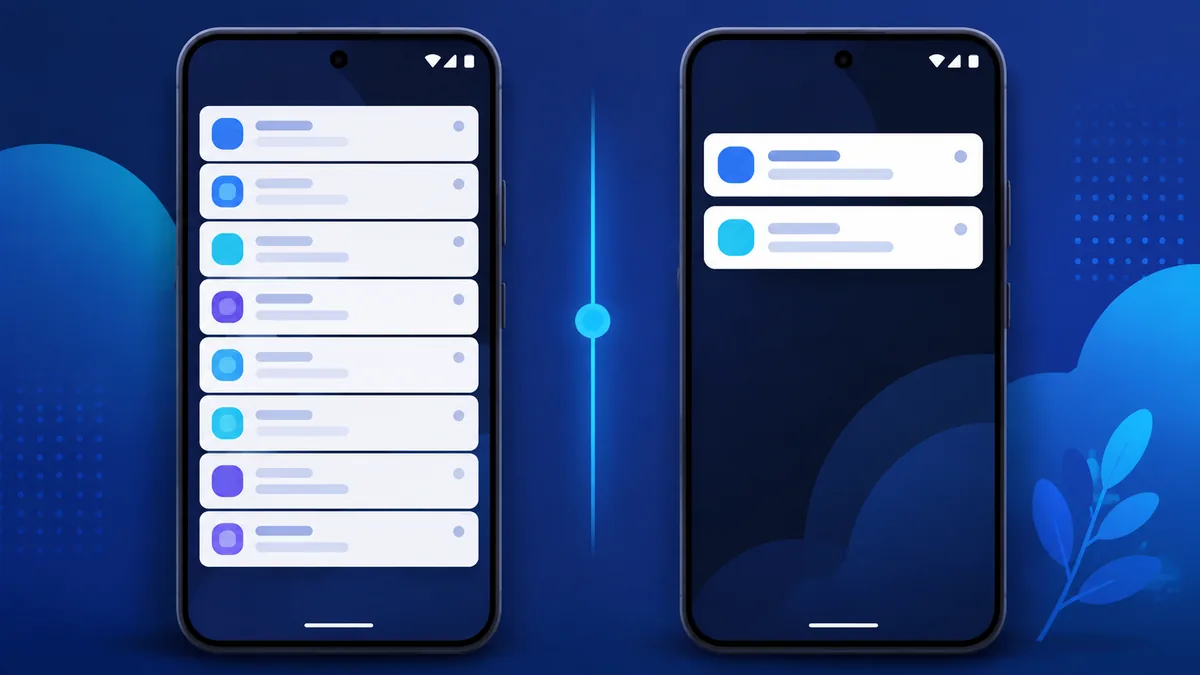
Too many lock screen pings train you to ignore them. Mute marketing mail at the provider level. Keep alerts for accounts that need same day response. Pair with effective strategies for email management success and the best Android email apps for productivity.
What Are The Security Basics
Lock screen previews can provide real data exposure. Android Help’s guide to protecting your personal data against theft covers Theft Detection Lock, Remote Lock, and hiding notification content.
Using a PIN, pattern, or biometric lock is the first step towards securing your phone. Hide notification content on lock screen in public spaces.
What is a Always On Display?
Phones with always on displays show basic information on your phone all the time. Notifications can wake your phone screen but not unlock it. To access notifications you still need to physically wake your phone and type in your password to access the notification.
How do Lock Screen Widgets Vary between Android versions?
Behavior differs by OEM and release. Google’s widget design guidance explains sizing and refresh rules that apply on the lock surface too.
Newer Android versions allow limited lock screen widgets on supported devices. Use them for clock or fitness, not mail content. Email belongs behind unlock for privacy on shared or work devices.
How to Test Mail Alerts on Lock Screen
Send yourself a test message after changing notification options. Confirm preview level matches your comfort on the android lock screen. If you’d like to make adjustments by going to your system settings->apps->notifications. This menu will allow you to control the how your notification behave for specific apps.
Emergency and Weather Alerts
Keep government alert channels enabled even when you hide mail previews. Android lock screen policies should never silence public safety notifications while you tune marketing mail down to silent delivery.
Biometric Unlock Speed
Using fingerprint or face unlock are often the fastest methods for accessing your phone when locked. Simply register the finger you naturally use when picking up the phone so reaching for your phone after a notification takes two seconds, not ten.
Android Lock Screen FAQ
Can I read email on the lock screen?
Previews may show if allowed in notification settings. Full reading usually requires unlock.
How do I hide sensitive notifications?
Settings, Notifications, Lock screen, hide sensitive content.
Does Easy Mail show senders on lock screen?
It follows your Android notification privacy settings.
Will unified inbox merge alerts?
You get notifications per account channels you configure inside Easy Mail.
Tune the Lock Screen to Your Environment
A smart android lock screen shows urgency without oversharing. Easy Mail Email Launcher keeps mail alerts manageable through unified inbox push delivery and standard Android privacy controls.
Install Easy Mail Email Launcher from Google Play for mail alerts that respect your lock screen settings.
