
Android email picks
Best Email App for Android When One Inbox Is Not Enough
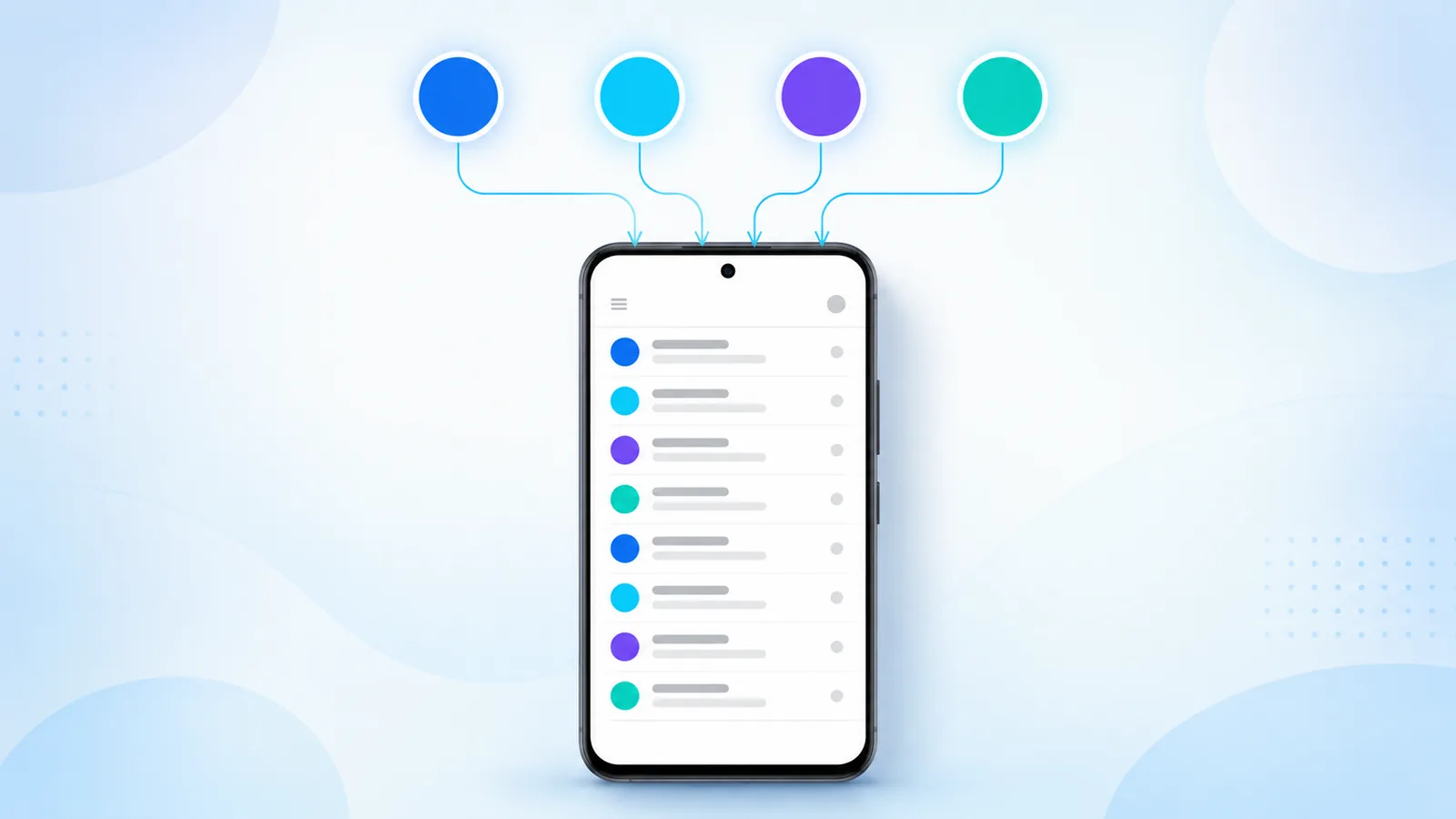
Choosing between Android mail clients comes down to three things: how many accounts you run, how big your backlog is, and how often you reply from your phone rather than a desk. Generic clients hold up fine on one account and start to struggle on three.
This guide covers what actually separates a capable client from a basic one, for anyone comparing options beyond a single Gmail icon. Easy Mail Email Launcher takes an unusual approach by merging launcher navigation with a unified inbox, bulk cleanup, and AI Respond drafting.
See why multi inbox users pick Easy Mail Email Launcher on Google Play.
Who Needs More Than Gmail Alone
Freelancers, small business owners, and parents routinely juggle a work Outlook address, a personal Gmail, and a legacy Yahoo account that still receives things they care about. Any app worth switching to has to merge those feeds without losing per account focus.
Multiple accounts also means multiple storage quotas, and they fail independently. Google’s guide to managing storage in Drive, Gmail, and Photos explains why one full account can silently stop delivering mail while the others look fine.
Unified Inbox Is Table Stakes
If you run Gmail for work and Yahoo for personal mail, opening two apps to check both is a tax you pay several times a day. A real unified inbox merges the feeds and gives you a toggle back to single account focus when you need it.
Any client supporting IMAP can hold several providers at once. Microsoft’s reference on POP and IMAP account settings is a useful check when a provider needs manual setup.
Search Across Accounts, Not Within Them
Unified search is the feature people underrate until they need it. Finding a sender or a subject line once, across Gmail and Outlook together, is a different experience from searching three apps in sequence while someone waits on the phone.
Speed From the Home Screen
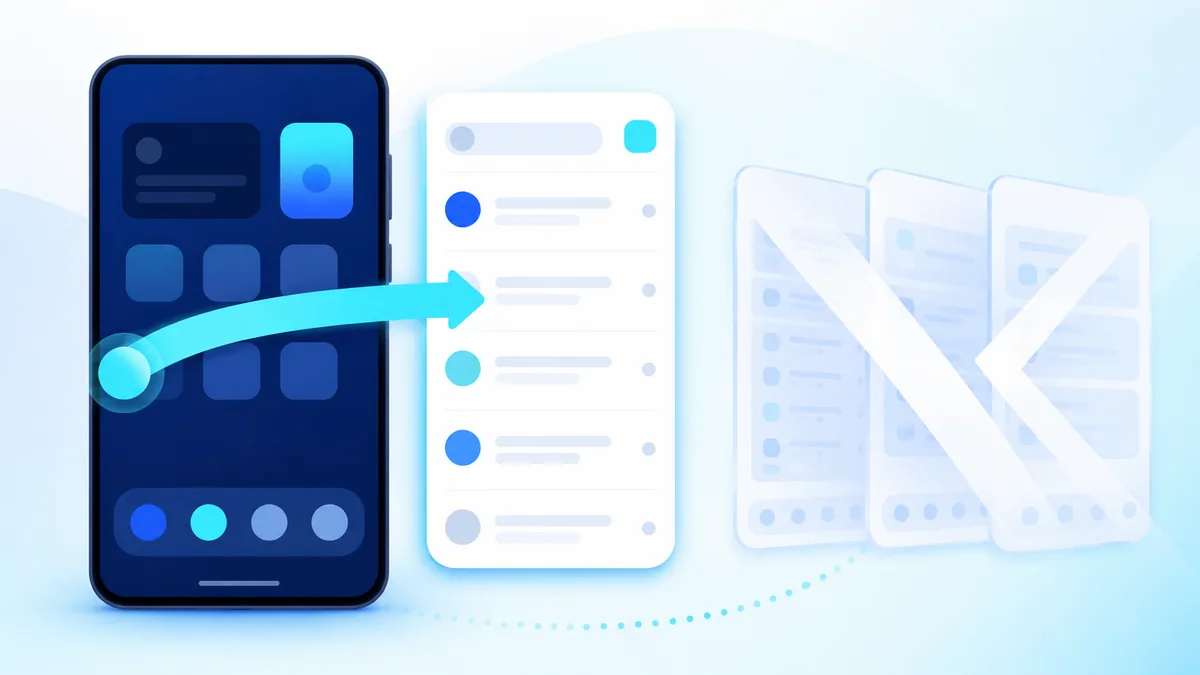
Opening mail from an icon adds friction that compounds across a day. Easy Mail puts triage on a launcher swipe, which beats even a fast client you forget to open. For traditional client comparisons see best Android email app for managing all your inboxes and the best Android email apps for productivity.
Backlog Cleanup Matters More Than Features
Deleting one message at a time fails the moment thousands of promos stack up, and unread guilt kills adoption of any new app before its good features get a chance. Look for bulk delete and sender blocking as core functions, not buried extras.
The stock Gmail app is limited here. Google’s own instructions for deleting messages in Gmail lean on desktop select all, which is exactly why phone side bulk tools matter.
Easy Mail Inbox Zero clears large batches with swipes while keeping labels intact. Pair it with how to mass delete emails fast on Android and, for Gmail heavy users, clean up gmail inbox.
Reply Quality at Phone Keyboard Speed
AI assist earns its place when you are mobile and rushed — drafting a polite decline, expanding bullet points into a reply, or adjusting tone before sending. It should shorten drafting time, not replace your voice, and you should review every outgoing message regardless. Easy Mail AI Respond works inside the compose window rather than sending you elsewhere.
Notifications You Can Actually Tune
Alert overload ruins focus faster than a full inbox does. Channel level control is an Android feature your mail app either exposes well or buries — see Control notifications on Android for what the OS genuinely offers.
Good clients respect per account channels and let you reply straight from the notification shade, so simple threads never require opening the app at all. For setup detail, see notification options android.
Offline Behavior and Draft Safety
Caching recent threads for subway reads is standard. Not losing a half written reply when signal drops mid sentence is the part that actually matters, and it is worth testing deliberately before you commit to an app. Compose something in a dead zone and confirm it survives.
Dark Mode and Readability
Long inbox sessions strain your eyes in both bright and dark environments. Easy Mail supports light and dark themes aligned with the launcher panel, so late night triage does not mean a screen full of white.
Security and Trust
Prefer clients that connect through official provider sign in flows rather than storing a raw password, review the permissions each one requests, and read the privacy policy before connecting anything sensitive. Turn on 2-Step Verification on every account you link.
Scale is a reasonable proxy for stability in a mail client, and Easy Mail has passed 1M+ downloads on Google Play. That said, treat it like any mail client: check the privacy policy and the permission list before you connect a sensitive account.
Broader habits are covered in effective strategies for email management success.
Support for Yahoo and Legacy Accounts
Do not assume good Android mail means Gmail only. Older providers often need manual server details: Yahoo publishes its IMAP server settings and Microsoft lists POP and IMAP settings for Outlook and Hotmail addresses.
Easy Mail connects Yahoo, Outlook, and older addresses, so a retirement account and side project mail join work Gmail in one launcher swipe instead of three aging apps updating separately.
Small Business Use Cases
An owner checking a support address and personal mail on the same phone needs accounts separated visually, not just merged. Easy Mail account toggles keep client mail isolated during focus blocks and bring everything back together when you want the full picture.
Travel and Roaming
Batch sync saves real money when roaming. Checking mail over hotel Wi Fi through one unified client is meaningfully cheaper than three apps polling independently in the background all day.
When to Switch From a Single Client
The signal is simple. If you have added a second account and now live in split apps, switching between them out of habit, you have outgrown a single client setup. That is the moment to test a unified alternative rather than waiting for a third account to make it worse.
Try It Before You Migrate Everything
If you are moving from Outlook mobile, Microsoft’s Outlook for Android setup guide is worth reading first so you know which data syncs and which does not.
Then work in this order: install Easy Mail, add one secondary account while keeping your old client, verify send and receive, stress test bulk cleanup on a real backlog, disable the old app’s notifications, and only then set Easy Mail as your default launcher. Migration feels safer when you have proved it on real mail before uninstalling anything.
Evaluate After Thirty Days
Track one thing for a month: whether the unified inbox actually reduced app switching and unread stress. Any app you put on your home screen should earn that spot through daily use rather than novelty. Keep it if mail feels faster. Revert if a specific feature gap blocks real work — and know which gap it was.
Best Email App for Android FAQ
What should I look for in an email app for multiple accounts?
A true unified inbox, per account toggles so you can focus on one mailbox at a time, unified search across every account, and reliable push notifications you can tune individually.
Is Easy Mail only for Gmail?
No. It connects Gmail, Yahoo, Outlook, and other IMAP providers, including older addresses that need manual server settings.
Can I try Easy Mail without deleting the Gmail app?
Yes. Install it alongside your current client, add one secondary account, and run both for a week before you switch your default.
Why is Easy Mail also a launcher?
Because home screen placement is what makes mail as fast to reach as messages or maps. A swipe beats opening an app you have to remember to open.
Does Easy Mail include bulk cleanup and sender blocking?
Yes. Inbox Zero handles bulk delete and sender blocking while leaving your existing labels intact.
Is AI writing included?
AI Respond is built into the compose window and can draft, rephrase, shorten, or expand text.
Does it cost extra to add more accounts?
No. You can add unlimited accounts to the unified inbox.
Choose Mail Software That Respects Your Time
The right client shrinks the number of steps between unlocking your phone and sending a reply. Everything else is secondary. Easy Mail Email Launcher attacks that directly by putting a unified inbox on your primary swipe.
Install Easy Mail Email Launcher from Google Play for the best multi inbox Android experience.
