
Android launcher basics
App Drawer in Android: Your Full App List in One Gesture
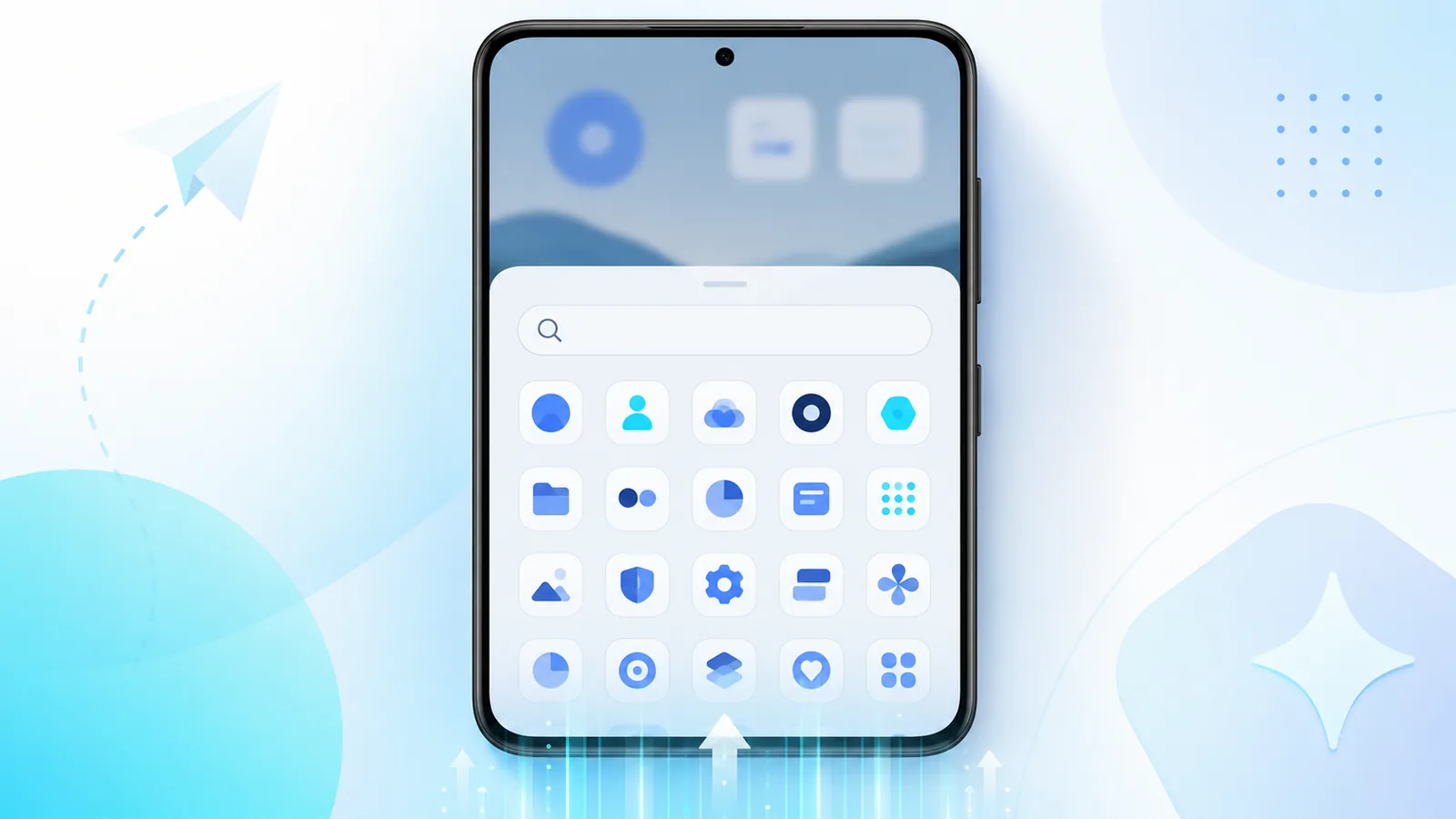
The app drawer in android phones is the catalog of everything installed. It keeps the home screen calm while still giving you access to hundreds of apps. Once you know how it works, organizing your phone gets much easier.
If you ever wondered where apps go when they are not on your home screen, you are looking for the app drawer in android launchers. This guide explains what it does, how it differs from icons on your main panels, and how Easy Mail Email Launcher reduces the need to dig through drawers for mail. Learn more in What Is a Launcher.
Skip the drawer hunt for email. Install Easy Mail Email Launcher from Google Play.
What the App Drawer Actually Is
Android Help describes the drawer and its gesture in Find, open & close apps on Android.
The app drawer in android is a scrollable list or grid of every installed application. Launchers show it when you swipe up from the bottom of the home screen on many phones, or when you tap a dedicated drawer icon on others. It is separate from home screen pages, which only display shortcuts you choose.
That separation is intentional. Manufacturers assume you will install far more apps than fit on one or two screens. The drawer becomes the index. Search inside it when you forget where you put a tool six months ago.
Home Screen vs App Drawer
Adding an icon to a home page never removes it from the drawer. Google confirms that behavior in Add apps, shortcuts & widgets to your Home screens.
Home screen icons are curated. App drawer entries are automatic. Install a game and it appears in the drawer even if you never add it to the grid. Uninstall and it vanishes from both places.
Good habits treat the home screen like a favorites bar and the drawer like a library. Frequent apps earn icon space. Rare apps stay searchable in the drawer only. This keeps android organize projects manageable.
How Launchers Change Drawer Behavior
Third party launchers can alter drawer sorting, vertical vs horizontal scroll, and folder grouping inside the drawer. Some hide apps you rarely need. Easy Mail Email Launcher focuses on home screen speed for mail rather than replacing your entire drawer philosophy.
Because Easy Mail is a launcher, your unified inbox lives on a home screen panel. You swipe right to email instead of opening the drawer, finding Gmail, then waiting for sync. Compare approaches in our best Android launcher apps in 2026 guide.
When to Pull Apps Out of the Drawer
Move an app to the home screen when you use it more than a few times weekly. Long press the icon in the drawer, then drag to Add to Home or place it on a blank grid cell. For shortcuts to websites or contacts, see adding shortcuts to homescreen.
Do the opposite for apps that clutter your grid. Long press the home screen icon and choose Remove or Uninstall. The app remains in the drawer until you delete it fully.
Search Beats Memorizing Order
If your grid is too tight, search becomes a workaround for mistaps rather than a shortcut. Nielsen Norman Group’s work on touch target size explains the accuracy cost of small icons.
Modern drawers include search at the top. Type two letters of an app name instead of scrolling. This is especially useful on phones with large libraries after years of installs.
Teach family members the same trick. Many android support questions are really drawer search questions in disguise.
Email Does Not Have to Live in the Drawer
Traditional setups bury mail behind drawer icons. Easy Mail puts inbox access on your launcher home panel with push alerts at launcher level. That aligns with how people actually check mail: quickly, often, and from the first screen they see.
Pair this with how to open app drawer basics so you know both paths: drawer for rare apps, swipe for mail.
App Drawer FAQ
Is the app drawer the same on every Android phone?
The gesture is similar, but Samsung, Pixel, and third party launchers vary slightly. Swipe up is common on Pixel style layouts.
Can I hide apps from the drawer?
Some launchers allow hiding. Stock Android usually shows all installed apps unless you disable them.
Why can’t I find a newly installed app?
Check the drawer first, then search by name. It may not appear on the home screen until you add it manually.
Does Easy Mail replace my app drawer?
Easy Mail is a launcher with its own home layout. You still have a drawer for other apps while mail sits on your main panel.
Use the Drawer as a Library, Not a Dumping Ground
The app drawer in android keeps infrequent apps reachable without crowding your grid. Easy Mail Email Launcher adds a faster path for mail with a unified inbox on your home screen so daily tools stay visible.
Get Easy Mail Email Launcher on Google Play and keep email off the bottom of your drawer list.
