Adding Shortcuts to Homescreen on Android
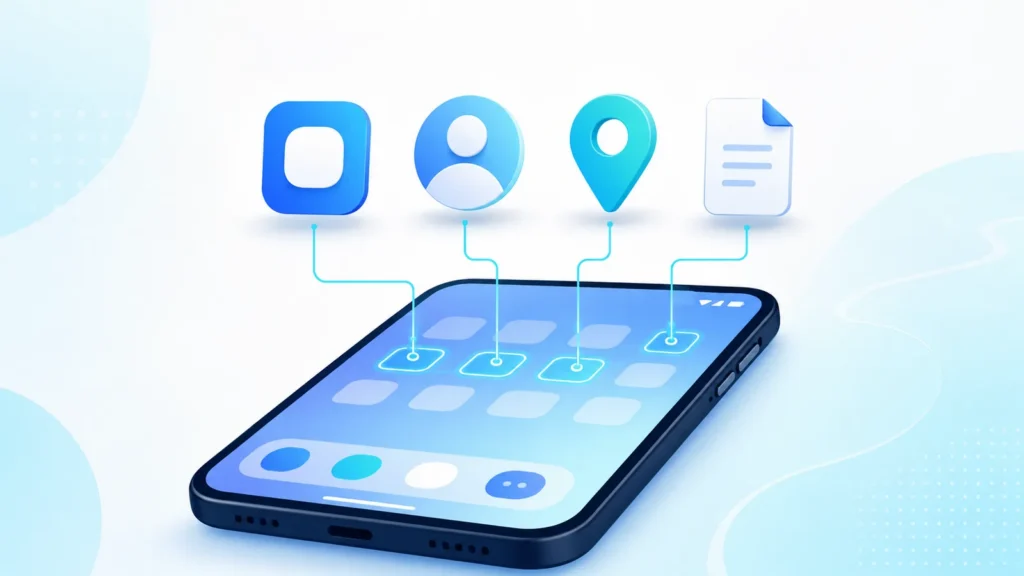
Adding shortcuts to homescreen goes beyond app icons. Android supports deep links to contacts, driving directions, documents, and web pages. Used well, shortcuts cut repetitive navigation.
Add to Home Screen Android: Apps, Sites, and Shortcuts
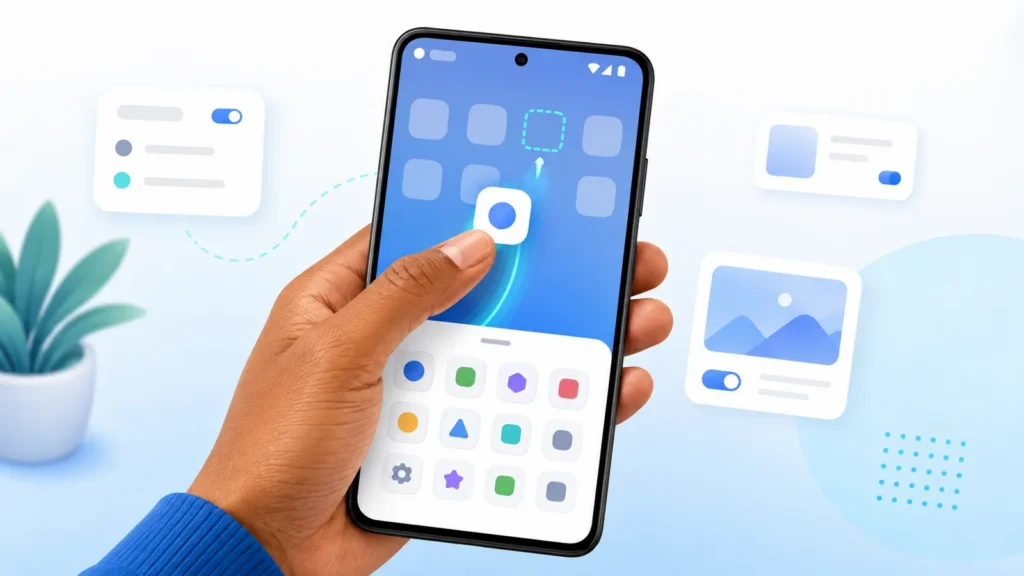
The add to home screen android flow takes seconds once you know where Android hides the option. This guide covers every route — the app drawer, the Play Store, recent apps, and Chrome — on
What Does This Mean on My Phone? Common Android Messages Explained
Cryptic dialogs make people search what does this mean on my phone. Most prompts repeat a handful of patterns: permissions, defaults, storage, and background limits. Once you recognize them, the anxie
How Do You Change Launchers on Android?
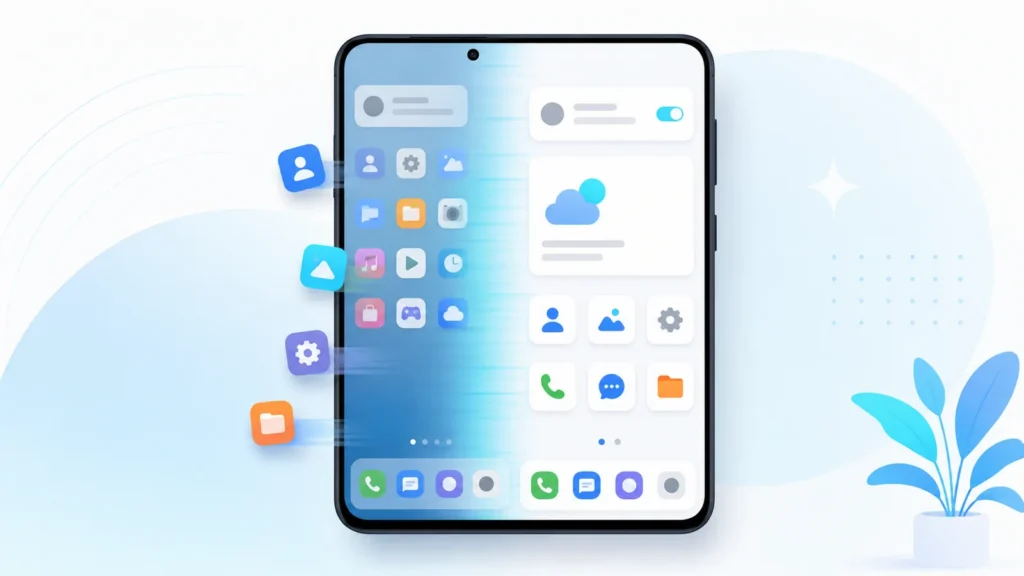
People ask how do you change launchers on android when they outgrow a stock layout or want mail on a dedicated swipe. Here is the whole process end to end — install, trial, configure, and revert
Default Launcher Android: The Setting That Picks Your Home App
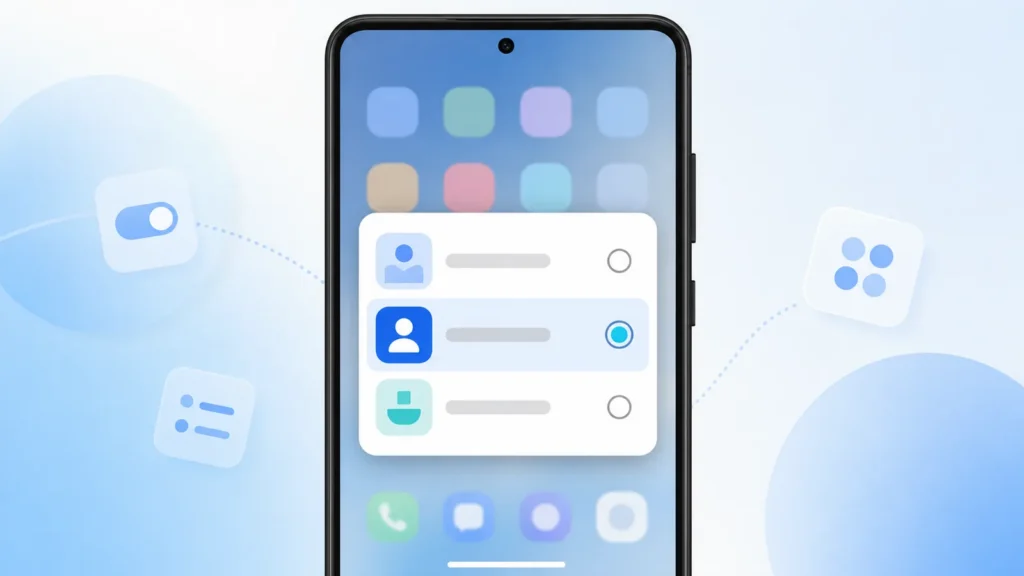
Only one app can own your home button at a time, and the default launcher android setting is what decides which. This page explains what that setting controls, where it lives, and how to undo a choice
Android Launcher: The App That Defines Your Home Screen
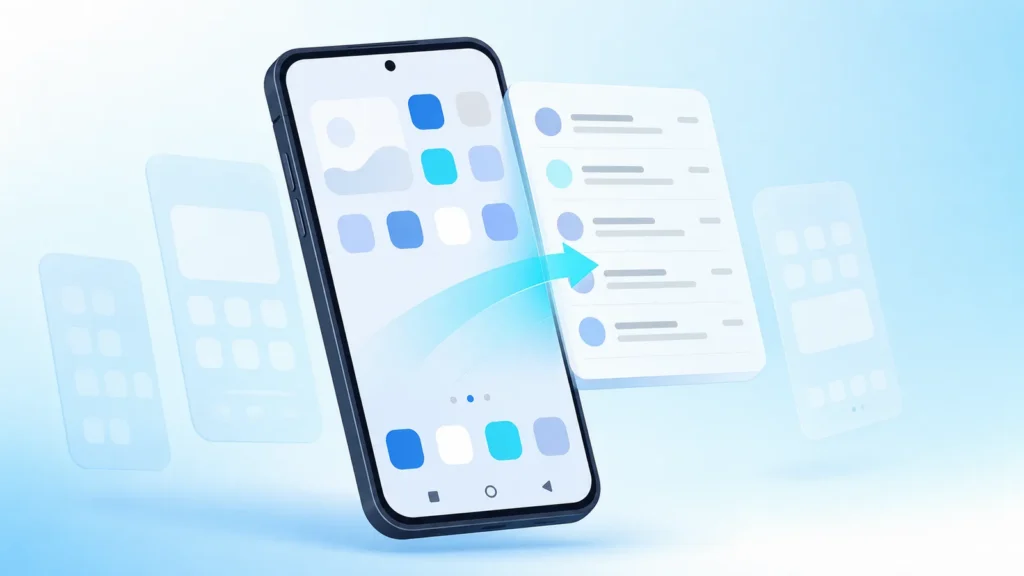
What an Android launcher actually controls, how stock and third party launchers differ, and how to try a new one safely.
How to Open Your App Drawer on Android Phones

If you need to find an app that is not on your home screen, you need to know how to open the app drawer on your phone. The gesture takes a second to learn and saves you time and stress every day.
Icon Arrangement On Android: Build a Home Screen You Can Scan in Seconds
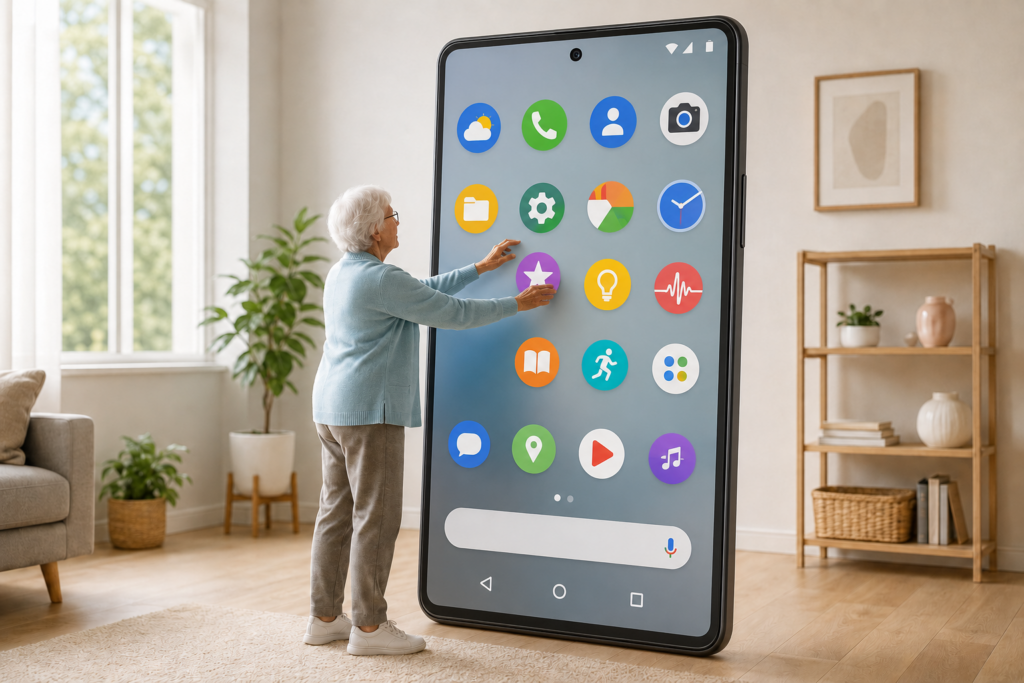
Your home screen is the control panel for everything you do on your phone. When icon arrangement android layouts feel random, you waste time hunting for the right app. A few simple placement rules turn a cluttered grid into a screen you can read at a glance.
Effective Strategies for Email Management Success
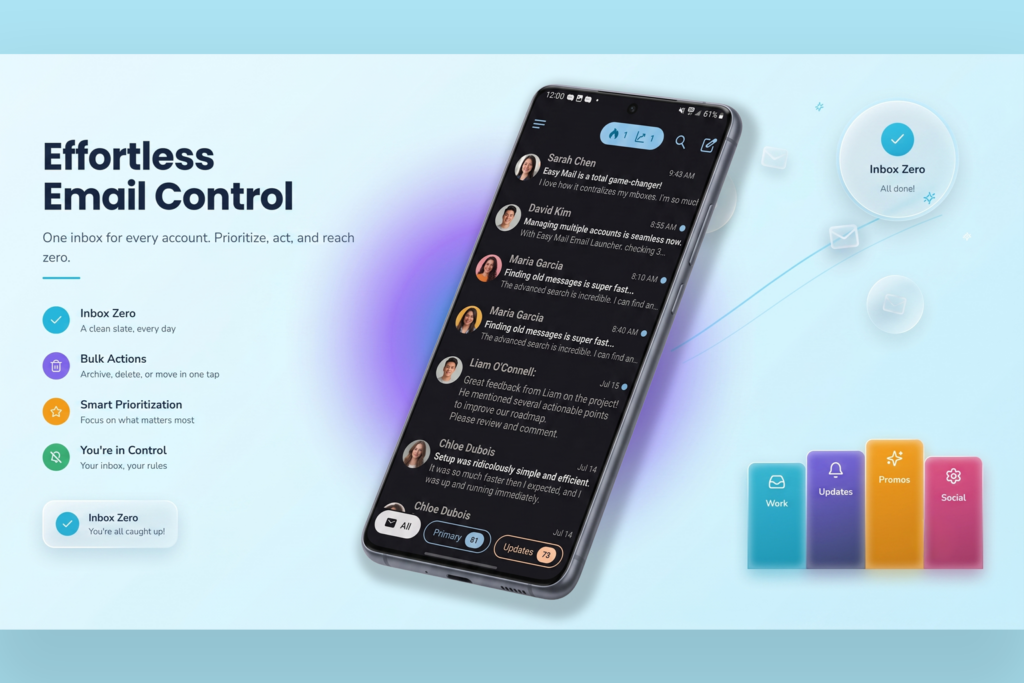
Good email management is not about answering every message the second it arrives. It is about building a system that keeps important mail visible, junk out of the way, and your attention on work that actually matters.
Best Android Email App for Managing All Your Inboxes | Easy Mail

If your mornings begin with switching between two, three, or even four different email apps just to see what came in overnight, you are far from alone. Below is a practical checklist of what to look for, and how Easy Mail Email Launcher handles the jobs that matter most.